
Planning Center
Services
Planning Center is the new scheduling software we’re using to manage all of our Sunday morning teams. Below you’ll find all the information you need to get started.
Watch the training video linked here– it will explain everything you need to know!
STEP 01
STEP 02
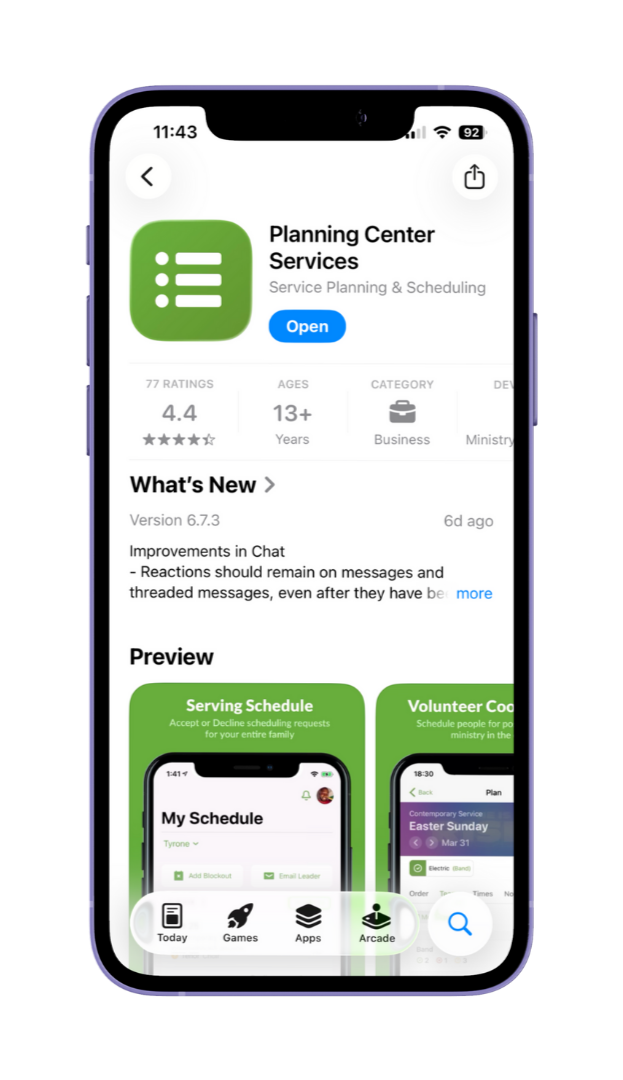
Download the Planning Center Services app on your mobile device.
Start using the Services app to log your blackout dates, approve or decline serving requests, and keep track of your serving schedule.
STEP 03
FAQs
What is a blackout date?
Any date where you are NOT available to serve (ie. you won’t be at church that week).
What if I’m on multiple teams?
The software knows you’re on multiple teams, and it will avoid conflicts when it creates the schedule.
What do I have to do with the app?
Your two main responsibilities are to log your blackout dates BEFORE the schedule comes out, and to accept/decline requests when your leaders sends them out.